 Logopack
Convert a PNG or JPG logo to SVG
A PNG stores pixels; an SVG stores shapes. Converting means tracing the edges of each colour into paths, which is what lets an SVG scale to any size without blurring. Logopack is built for logos: it removes the background, flattens the colours and traces them into smooth shapes.
Free with a watermark. Clean from €9, paid once.
A real result
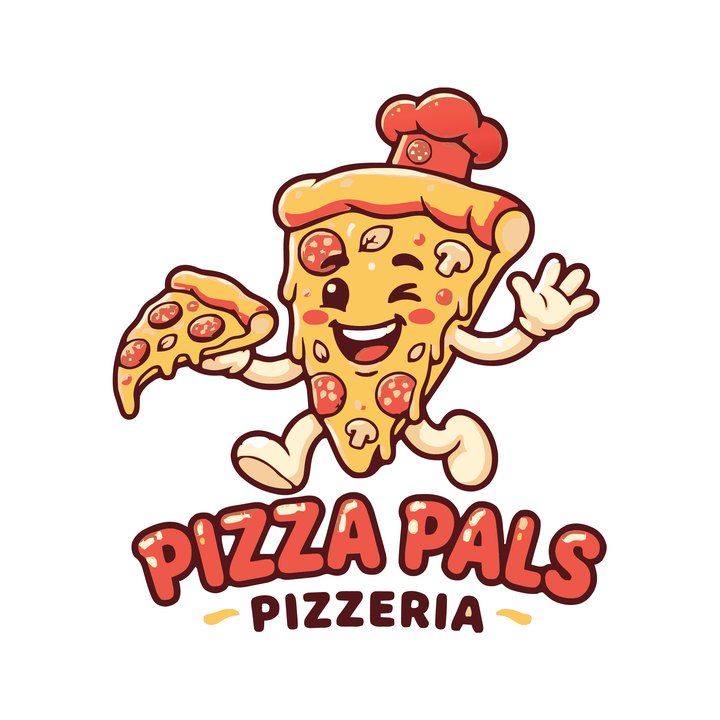
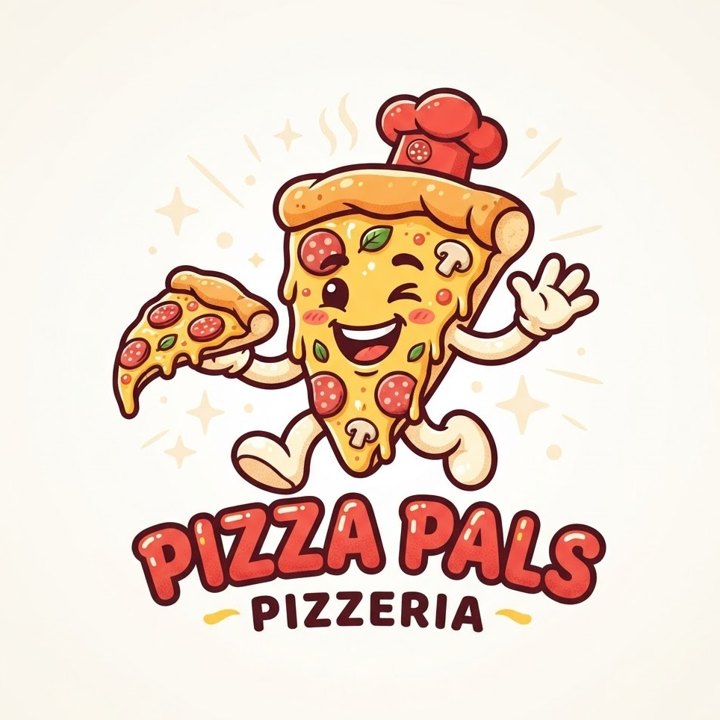
PNG vs SVG for a logo
Use the SVG for websites, design tools, print shops, signage and anything that is resized. Use PNGs where a platform asks for an image file at a fixed size, such as an app store icon or a social media avatar.
A good logo pack has both: the vector as the master file and PNGs rendered from it at the sizes you need. That is what Logopack builds.
What makes a logo trace well
Flat colours, bold shapes, thick lines, strong contrast and a plain background. Photos, 3D renders, heavy texture, hairline strokes and very small text lose detail when they become flat shapes.
A low-resolution or blurry PNG still works: Logopack traces at a fixed internal size and smooths the edges. For very soft images, the AI boost included with every paid pack redraws the logo cleanly first.
Fine-tuning the result
After the upload you can change the level of detail, sharpen corners for geometric logos and adjust how much of the background is removed, or untick background removal to keep it (useful for an app icon tile).
Try every file before you pay
Upload your PNG
The file your image generator gave you. A plain or transparent background works best.
Download the full pack, free
Every image file, with a watermark. Try the favicon in your site and the icon on your phone.
Get it clean
Pay once, from €9: AI redraws your logo flat and clean, and you get files without watermark plus the SVG vectors. No account, no subscription.
Pricing
One-time payment, no account, no subscription. The AI clean-up is included; untick it at checkout if you prefer the plain trace.
Questions
- Is the SVG editable in Illustrator, Figma, Inkscape or Affinity?
- Yes. It is a standard SVG made of paths with flat fills (and linear gradients where the original had them). Every design tool opens it, and you can recolour or edit the shapes.
- Can I convert a JPG logo too?
- Yes. PNG, JPG and WebP up to 10 MB all work. JPG compression noise is removed along with the background.
More answers in the main FAQ.